JSON Syntax Guide: Rules, Examples, and Common Errors

JSON is one of the most common formats used to share data between applications. You will find it in API responses, configuration files, webhooks, JavaScript applications, and many developer tools.
It looks simple, but one missing quote, comma, or bracket can make the entire JSON file invalid.
This guide explains JSON syntax in plain language. You will learn the main rules, understand JSON data types, see valid examples, and know how to fix common JSON errors.
What Is JSON?
JSON stands for JavaScript Object Notation. It is a lightweight text format used to store and exchange structured data.
For example, an API may return user information in JSON like this:
{
  "id": 101,
  "name": "Example User",
  "email": "user@example.com",
  "active": true
}
JSON is easy for people to read and easy for software to process. Although its name includes JavaScript, JSON is used with many programming languages, including PHP, Python, Java, Laravel, React, Node.js, and Java.
Basic JSON Syntax Rules
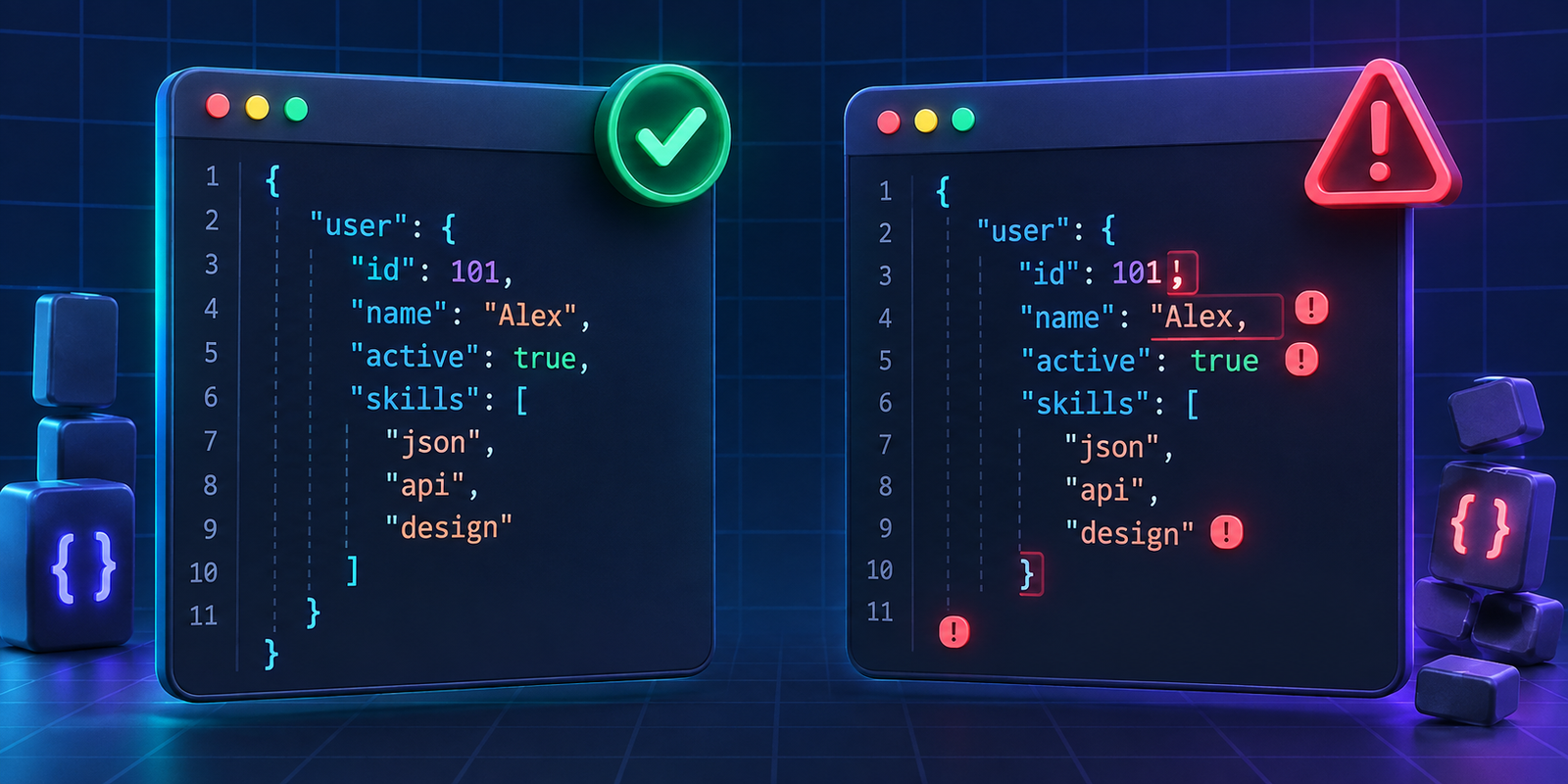
Valid JSON follows a few strict rules:
Data is written as key-value pairs.
Keys must be enclosed in double quotes.
String values must use double quotes.
Each key-value pair is separated by a comma.
Objects use curly brackets:
{ }.Arrays use square brackets:
[ ].JSON does not allow trailing commas.
Comments are not allowed in standard JSON.
Here is a simple valid JSON object:
{
  "product": "Sample Product",
  "price": 2499,
  "in_stock": true
}
In this example:
"product"is a key."Sample Product"is a string value.2499is a number.trueis a boolean value.
JSON Objects
A JSON object contains related data inside curly brackets.
{
  "name": "Example User",
  "role": "Developer",
  "city": "Sample City"
}
Every item in an object has a key and a value.
"key": valueKeys should be unique within the same object. Avoid using the same key twice because applications may handle duplicate keys differently.
JSON Arrays

An array is a list of values. Arrays use square brackets.
{
  "languages": [
    "PHP",
    "JavaScript",
    "Python"
  ]
}
Arrays can contain strings, numbers, objects, booleans, or even other arrays.
Here is an array of objects:
{
  "users": [
    {
      "id": 1,
      "name": "Example User One"
    },
    {
      "id": 2,
      "name": "Example User Two"
    }
  ]
}
This format is common in API responses when an application needs to return multiple records.
JSON Data Types
JSON supports six main value types.
String
A string is text inside double quotes.
{
  "message": "Welcome to DevToolbox"
}
Correct:
{
  "city": "Sample City"
}
Incorrect:
{
  "city": Sample City
}
The value must have double quotes because it is text.
Number
Numbers do not use quotes.
{
  "quantity": 5,
  "price": 799.99
}
If you write a number inside quotes, it becomes a string instead.
{
  "quantity": "5"
}
This is valid JSON, but it may cause problems if your application expects a number.
Boolean
A boolean value is either true or false.
{
  "email_verified": true,
  "newsletter_subscribed": false
}
Boolean values must be lowercase. True and False are not valid JSON.
Null
Use null when a value is intentionally empty or unavailable.
{
  "middle_name": null
}
Do not wrap null in quotes unless you actually want the text "null".
Object
An object contains related key-value data.
{
  "address": {
    "city": "Sample City",
    "state": "Sample State",
    "country": "Example Country"
  }
}
Array
An array stores a list of values.
{
  "skills": [
    "WordPress",
    "Laravel",
    "React"
  ]
}
A Complete JSON Example
Here is a realistic example of JSON returned by an ecommerce API:
{
  "order_id": 5001,
  "customer": {
    "name": "Example User",
    "email": "user@example.com"
  },
  "items": [
    {
      "name": "Sample Product",
      "quantity": 1,
      "price": 1499
    },
    {
      "name": "Sample Accessory",
      "quantity": 2,
      "price": 299
    }
  ],
  "total": 2097,
  "payment_status": "paid",
  "delivered": false
}
This example contains objects, arrays, strings, numbers, and booleans together.
Common JSON Errors and How to Fix Them
JSON is strict. These are some of the most common mistakes developers make.
Error | Invalid example | Correct version |
|---|---|---|
Using single quotes |
|
|
Missing quotes around a key |
|
|
Trailing comma |
|
|
Missing comma |
|
|
Unclosed bracket |
|
|
Comments in JSON |
| Remove the comment |
Uppercase boolean |
|
|
1. Using Single Quotes Instead of Double Quotes
This is one of the most common errors, especially for developers who work with JavaScript or PHP arrays.
Invalid JSON:
{
  'name': 'Example User'
}
Valid JSON:
{
  "name": "Example User"
}
JSON requires double quotes around keys and string values.
2. Adding a Trailing Comma
A trailing comma is a comma after the final item in an object or array.
Invalid JSON:
{
  "name": "Example User",
  "city": "Sample City",
}
Valid JSON:
{
  "name": "Example User",
  "city": "Sample City"
}
3. Forgetting a Comma Between Items
Each item in an object or array must be separated by a comma.
Invalid JSON:
{
  "name": "Example User"
  "city": "Sample City"
}
Valid JSON:
{
  "name": "Example User",
  "city": "Sample City"
}
4. Adding Comments
Standard JSON does not support comments.
Invalid JSON:
{
  "name": "Example User",
  // This is the customer name
  "city": "Sample City"
}
If you need comments in a configuration file, consider using another format that supports them. Do not add comments to JSON sent through an API.
5. Not Closing Brackets or Quotes
Every opening {, [, or " must have a matching closing character.
Invalid JSON:
{
  "skills": [
    "PHP",
    "Laravel"
  }
Valid JSON:
{
  "skills": [
    "PHP",
    "Laravel"
  ]
}
How to Validate JSON
When JSON is long or nested, it can be difficult to spot a syntax error manually.
Paste your JSON into the DevToolbox JSON Formatter and Validator. It can format readable JSON and highlight syntax issues, making it easier to find missing commas, quotes, brackets, and invalid values.
This is especially useful when you are:
Testing an API response
Creating a webhook payload
Editing a configuration file
Working with a large JSON export
Debugging a frontend or backend request
JSON and JavaScript Objects: Are They the Same?
JSON and JavaScript objects look similar, but they are not exactly the same.
JavaScript objects can use single quotes, unquoted keys, functions, comments, and trailing commas in some situations. JSON cannot.
For example, this may work in JavaScript:
const user = {
  name: 'Example User',
  active: true,
};
But it is not valid JSON.
The JSON version must be:
{
  "name": "Example User",
  "active": true
}
When sending data through APIs, always use valid JSON.
JSON Syntax Checklist
Before using JSON in an API or configuration file, check the following:
Are all keys inside double quotes?
Are all text values inside double quotes?
Is every item separated by a comma?
Is there no comma after the final item?
Are all brackets and braces closed correctly?
Are
true,false, andnulllowercase?Have all comments been removed?
Does the JSON pass validation?